Sub-groups
Sub-groups allow you to further segment your accounts. These sub-groups can then be viewed in Business App by any assigned users. These are especially useful for reporting purposes.
To add sub-groups to a group, go to the Accounts tab → Multi-location groups → click the Group name → click +Add sub-group.
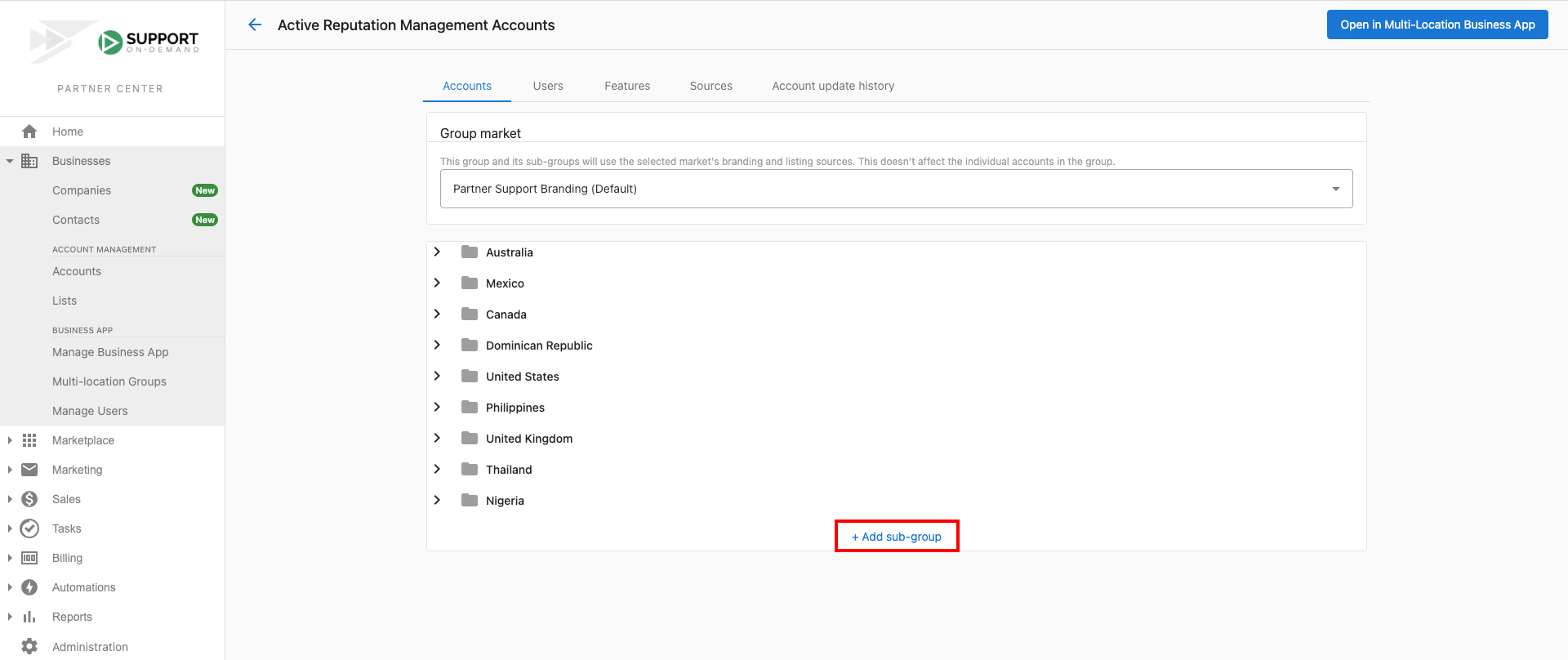
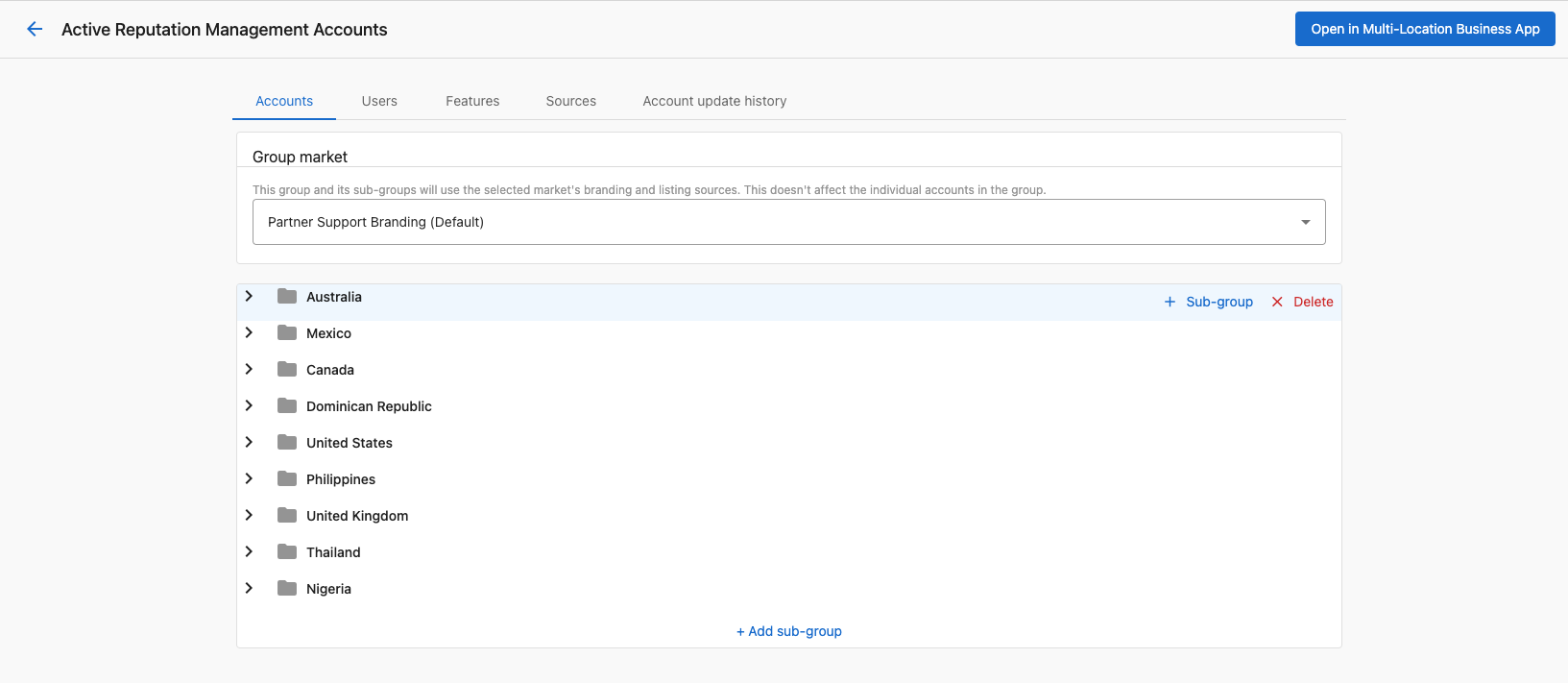
Once you've created your sub-group, you can add further sub-groups to it or begin adding accounts. If you wish to create sub-groups within sub-groups, hover over the existing sub-group and click + sub-group.
note
You can only have either sub-groups or accounts at each level of a sub-group. For this reason, it is advised that you create all sub-groups before adding accounts.