How do I add accounts to a multi-location group?
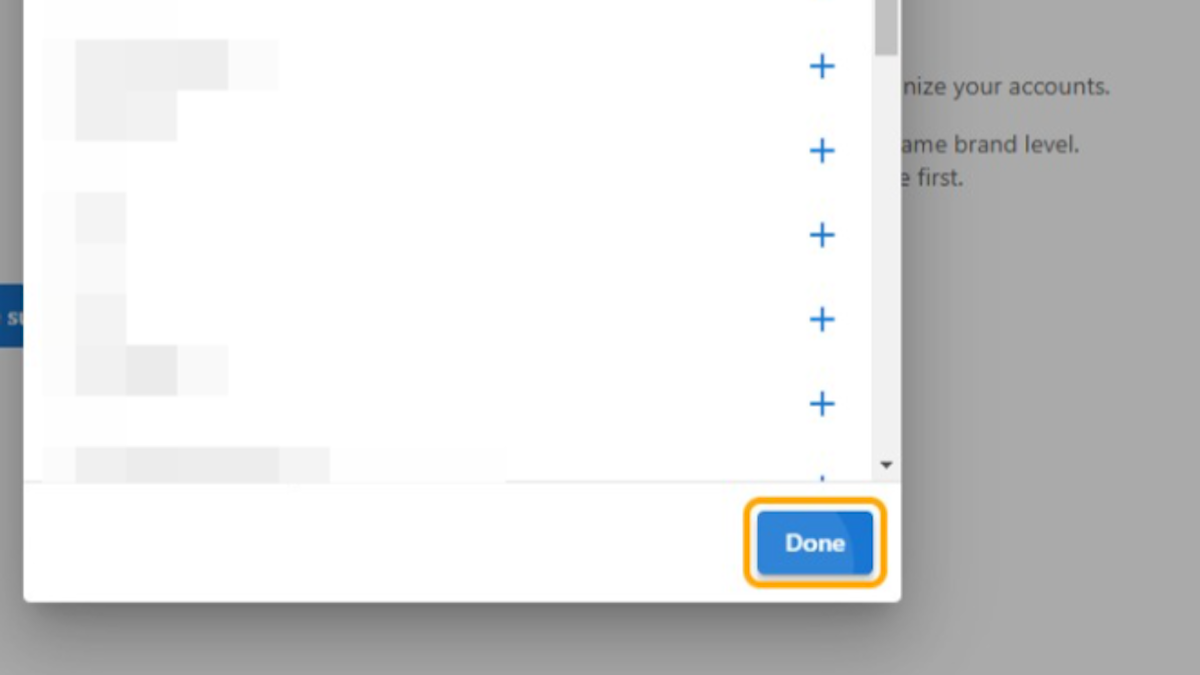
To add accounts to a multi-location group in Partner Center, go to Accounts → Multi-location Groups, open the group, click Add accounts, click + next to each account, and click Done. Accounts in the group can be viewed in Multi-Location Business App.
-
Go to
Partner Center -
Go to
Accounts→Multi-location Groups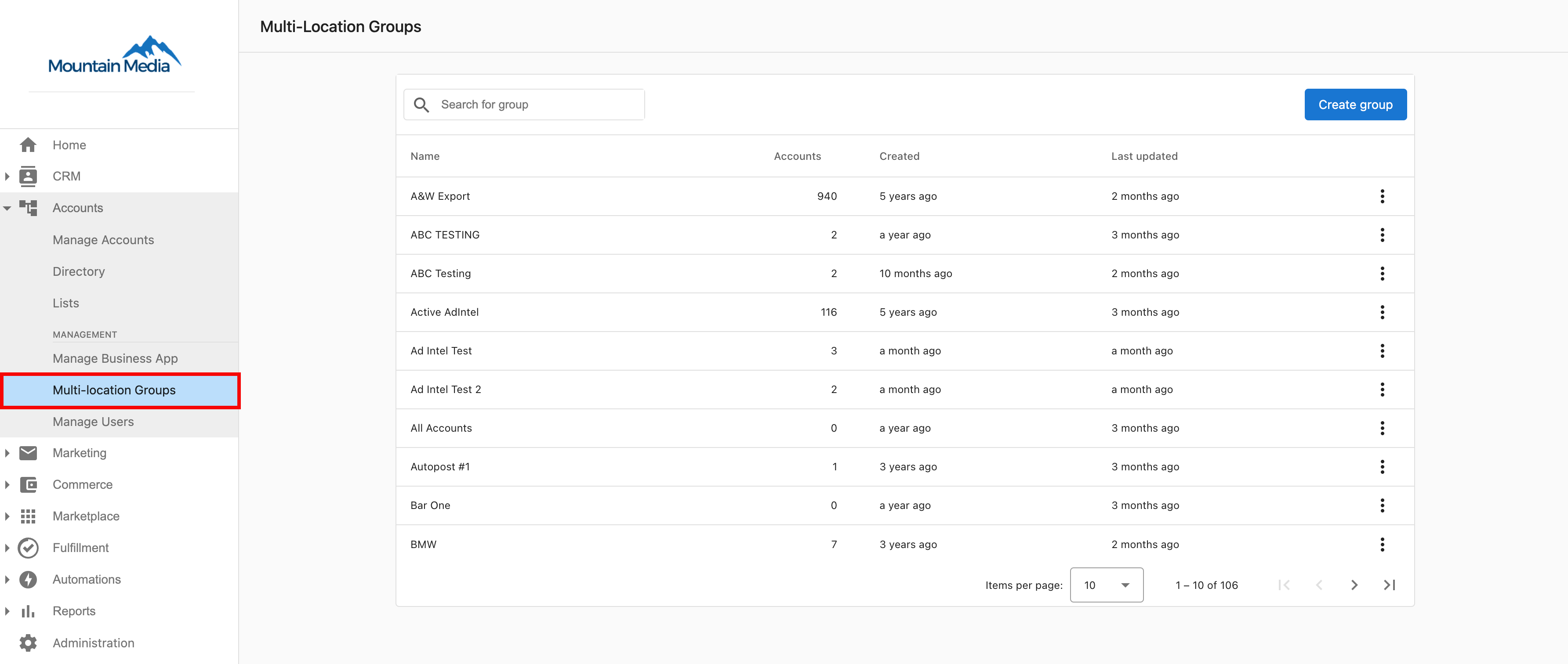
-
Click on the group you'd like to add accounts to
-
Click
Add accounts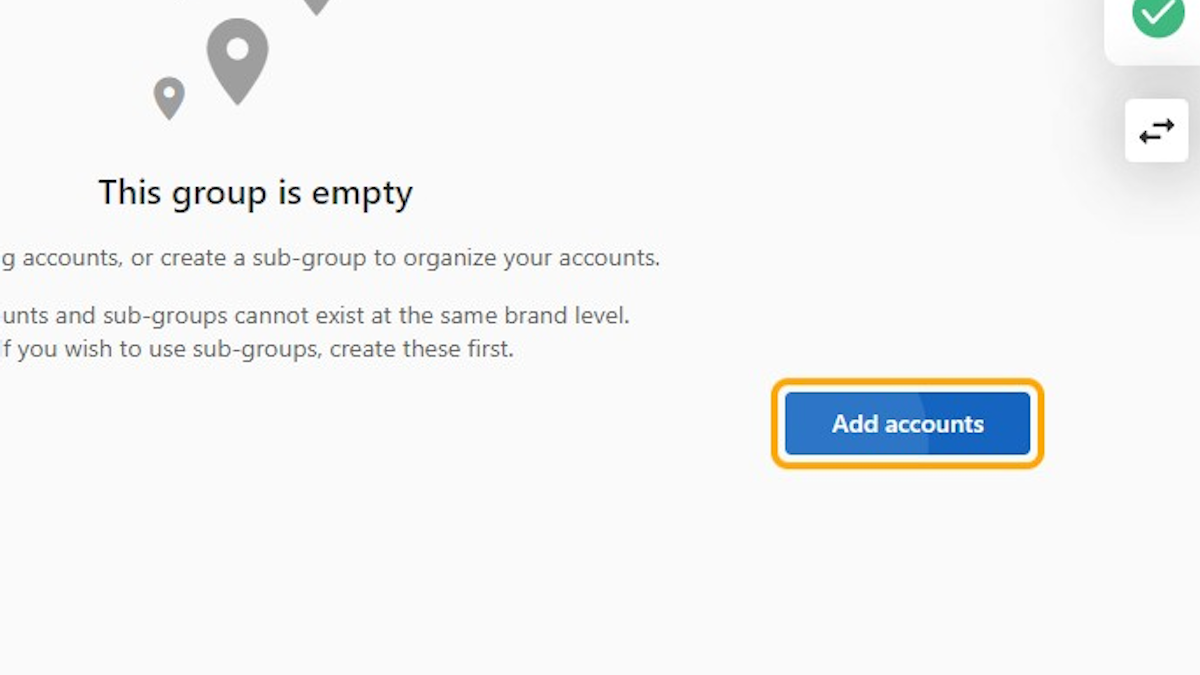
-
Click
+next to each account you'd like to add -
Click
Done