My Products
The My Products page in Business App shows your clients all of the products they have active. Each user can also pin the products they use most so they appear in the Business App side panel.
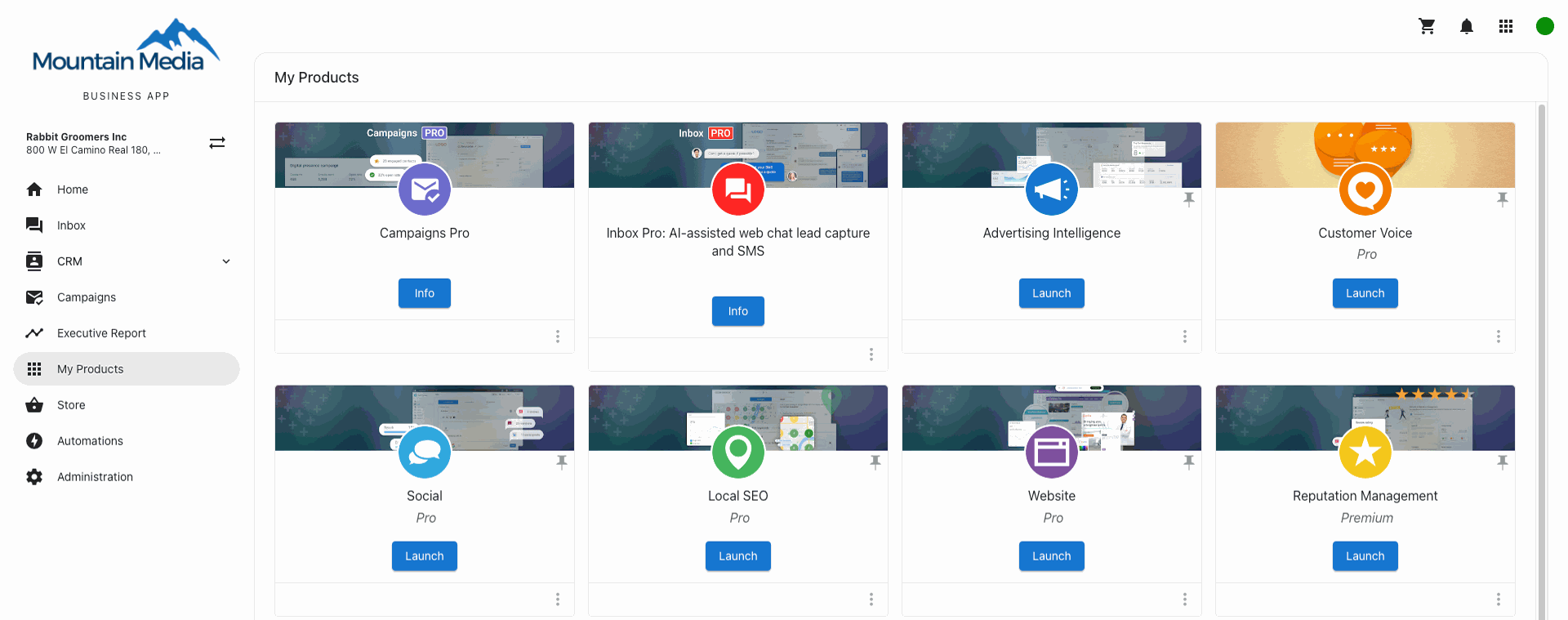
How do I configure My Products in Business App?
You can remove access to the My Products page for all of your clients by going to Partner Center → Administration → Customize Business App → My products and unchecking the box that shows the page.
You can hide this tab or remove access for individual products on a user-by-user basis by configuring their permissions.
How can I organize the products on the side panel of Business App?
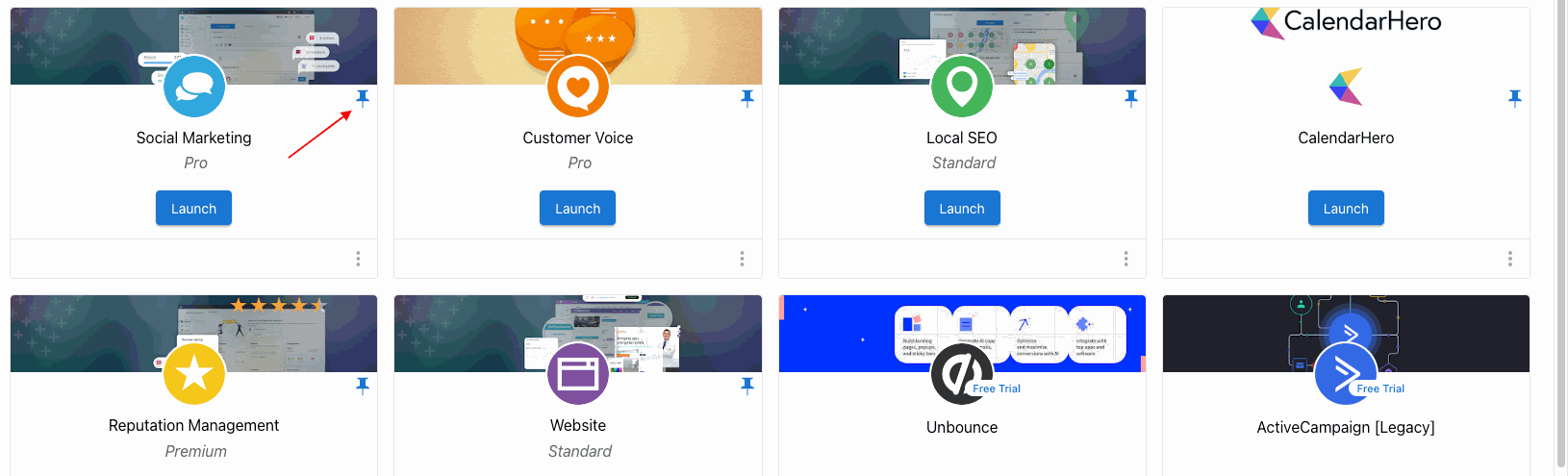
From the Products page, click the pin icon in the top right of each product to choose which products appear on the Business App side panel, for yourself. Each user can set these independently.
Frequently asked questions
Can I hide the My Products page from all of my clients?
Yes. Go to Partner Center → Administration → Customize Business App → My products and uncheck the box that shows the page.
Can I hide products for an individual user?
Yes. You can hide the My Products tab or remove access to individual products on a user-by-user basis by configuring their permissions.
Does pinning a product change the side panel for other users?
No. Pinning a product only changes your own side panel, and each user sets their pinned products independently.