How do I create an Acquisition Widget?
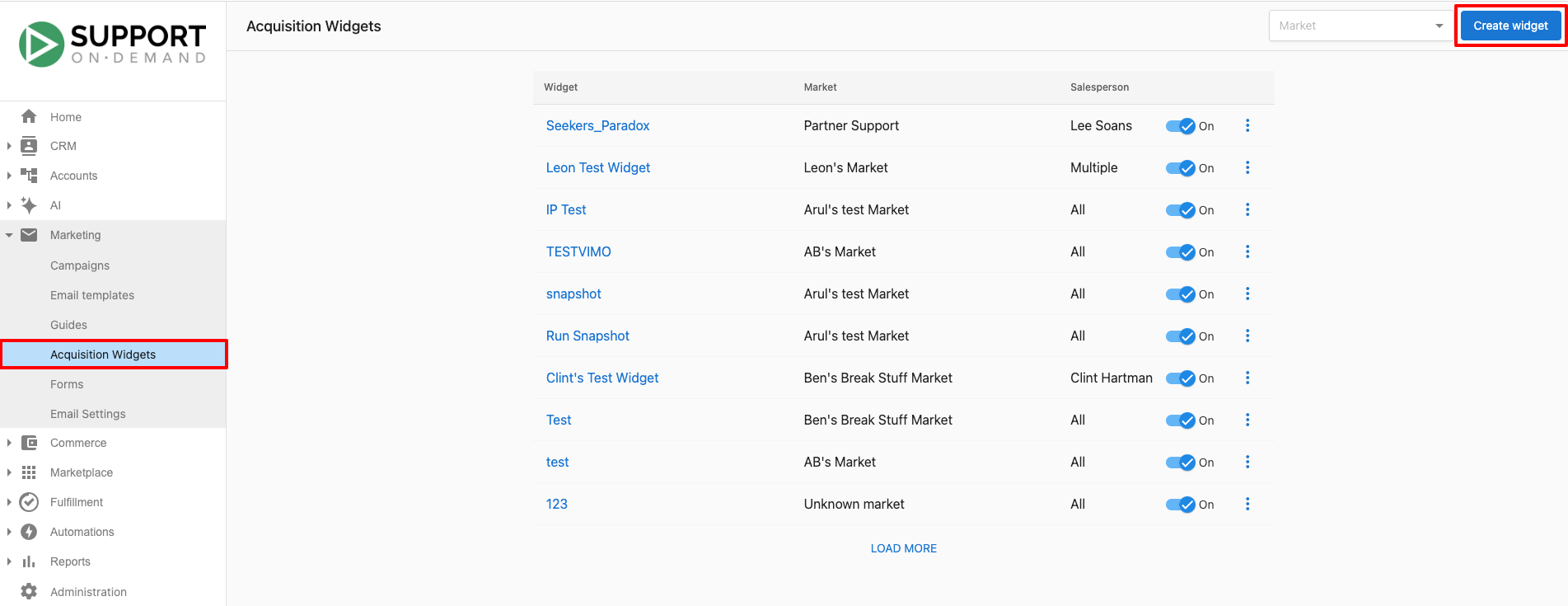
An Acquisition Widget is an embeddable form you create in Partner Center at Marketing → Acquisition Widgets to collect lead information on your website. You configure the widget, design it to match your site, and paste its embed code into your website's HTML.
The Acquisition Widget is a legacy Vendasta feature. We recommend using CRM Forms to automatically capture leads and fully customize nurturing automations (including Snapshot Report workflows). If you prefer a setup similar to the original Acquisition Widget, you can use the "Acquisition Widget" form template, which provides a comparable default configuration.
How do I create an acquisition widget?
- Go to
Partner Center→Marketing→Acquisition Widgets. - Click
Create Widgetin the upper right corner of the screen.
How do I configure the widget?
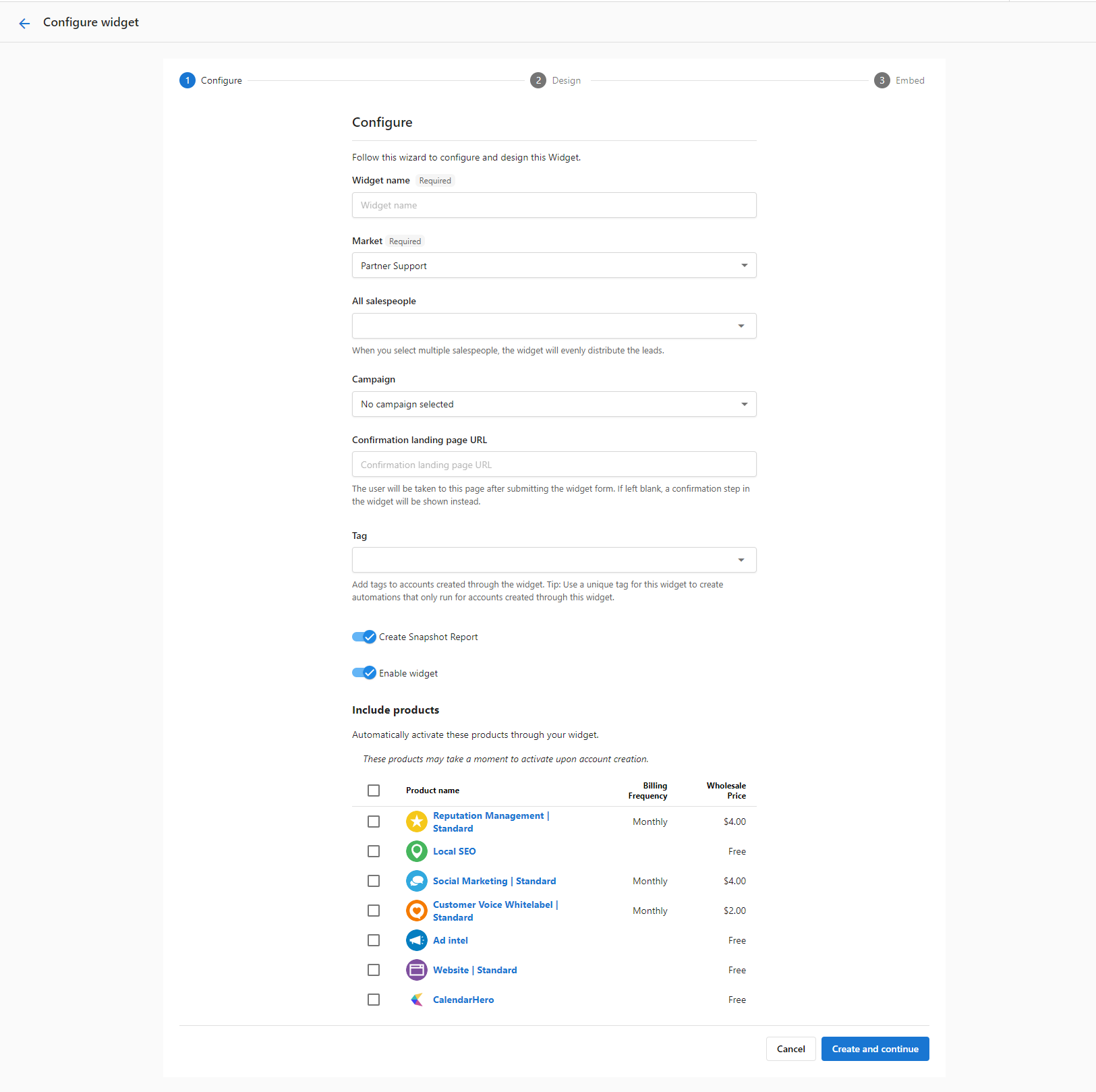
- Fill in the form:
Widget NameMarketAssigned salespeople- The campaign that will be sent to new leads
Confirmation Landing Page URL- Set any tags to be applied to the new accounts
- Select whether the widget should create a Snapshot Report for new leads (toggle this option on/off).
- Select whether the widget should be enabled (toggle this option on/off). You can also enable/disable the widget at a later time.
- Select any products that should be activated automatically for new leads.
- Click
Save and continue.
How do I design the widget?
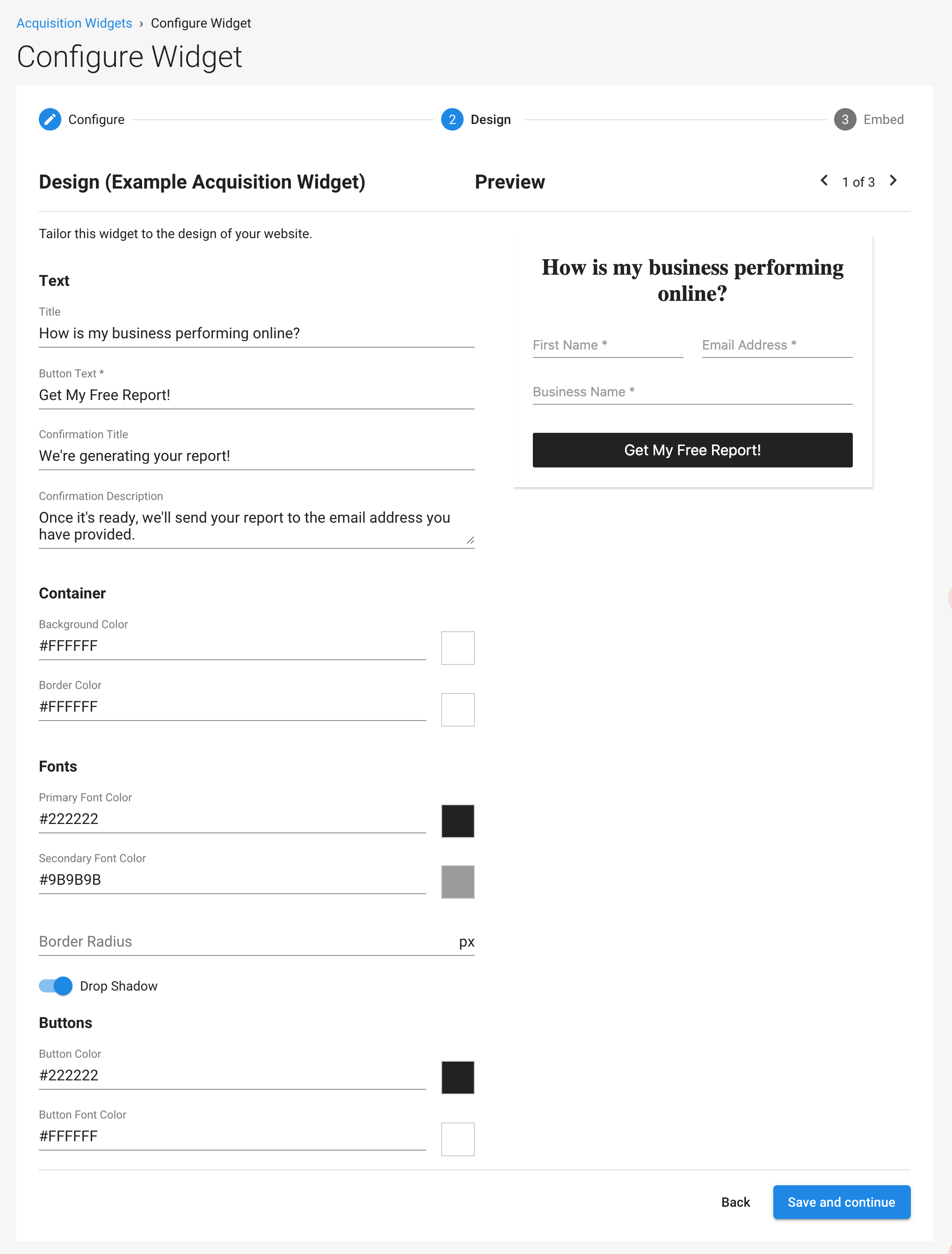
Tailor the widget to the design of your website. Once it appears how you'd like, click Save and continue.
How do I embed the widget?
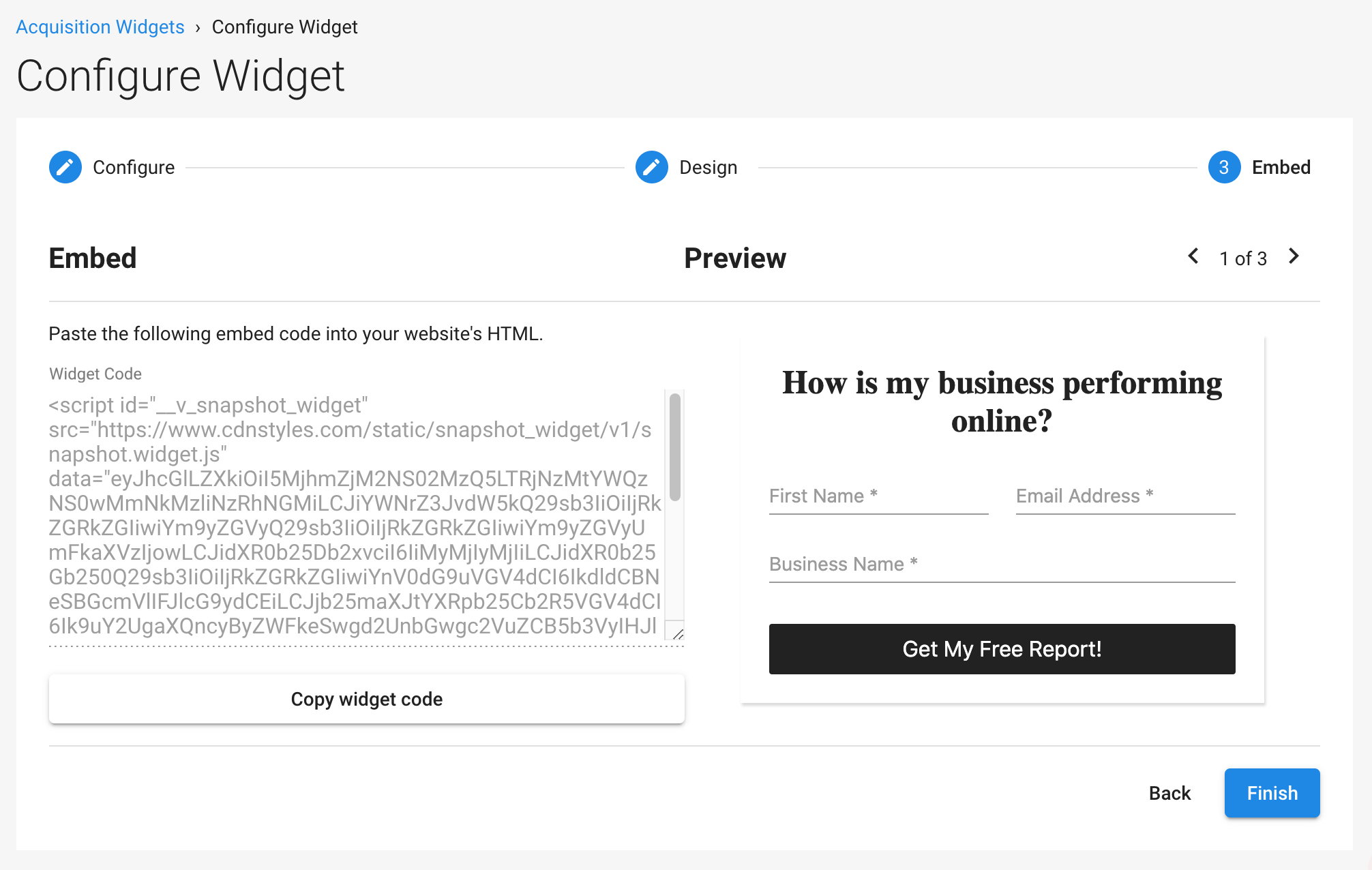
- Copy your widget embed code, then click
Finish. - Paste the embed code into your website's HTML to embed the widget on relevant pages throughout your website.
Create dedicated landing pages for the Acquisition Widget and link to it from advertising campaigns, social posts, blog posts, and email signatures.
When a lead submits their information through the widget, the widget notifies the assigned salespeople so they can get in touch with the lead. At the same time, a new Snapshot Report is created, the lead is added to the customer acquisition campaign of your choice, and/or products are activated, depending on your configuration.
Frequently asked questions
Is the Acquisition Widget still supported?
The Acquisition Widget is a legacy Vendasta feature. We recommend using CRM Forms to capture leads and customize nurturing automations, including Snapshot Report workflows. For a setup similar to the Acquisition Widget, use the "Acquisition Widget" form template.
How do I set up a form on my website that creates a Snapshot Report for new leads?
Create an Acquisition Widget at Partner Center → Marketing → Acquisition Widgets and turn on the option to create a Snapshot Report for new leads. Then copy the embed code and paste it into your website's HTML.
What happens when a lead fills out my Acquisition Widget?
The widget notifies the assigned salespeople so they can contact the lead. Depending on your configuration, it also creates a Snapshot Report, adds the lead to the campaign you selected, and activates the products you chose.
How do I stop an Acquisition Widget from collecting leads?
Turn off the option that enables the widget. You can enable or disable the widget at any time.